How can you help more learners access your training content and use it effectively?
E-learning content is never just text. Each format (images, video, audio, documents, animations, and interactive elements) can create different accessibility barriers.
If you’re building a new course or updating an existing one, you should think about accessibility from the start. Following accessibility best practices helps learners complete training without obstacles. This can be accomplished by aligning courses with international standards like WCAG 2.1.
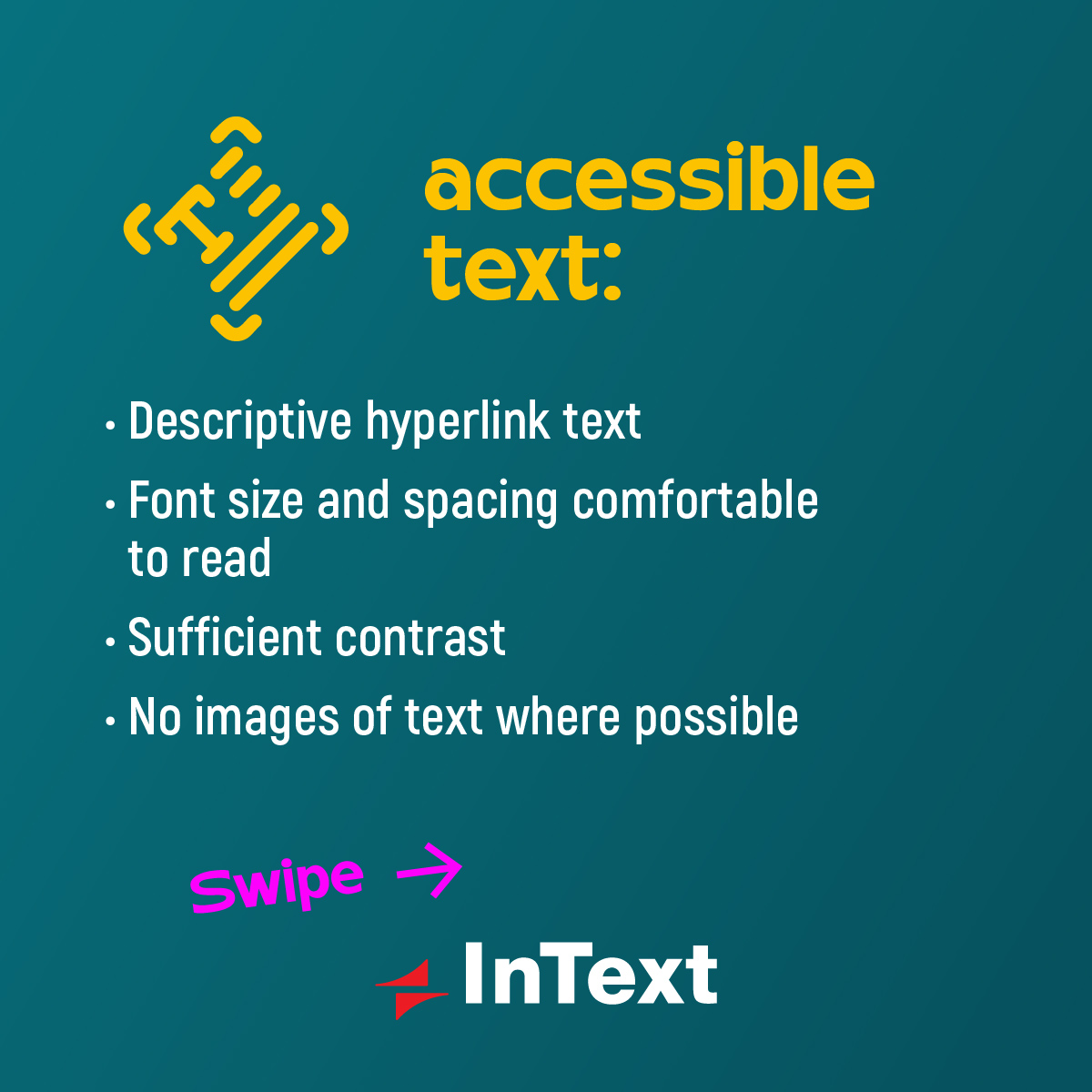
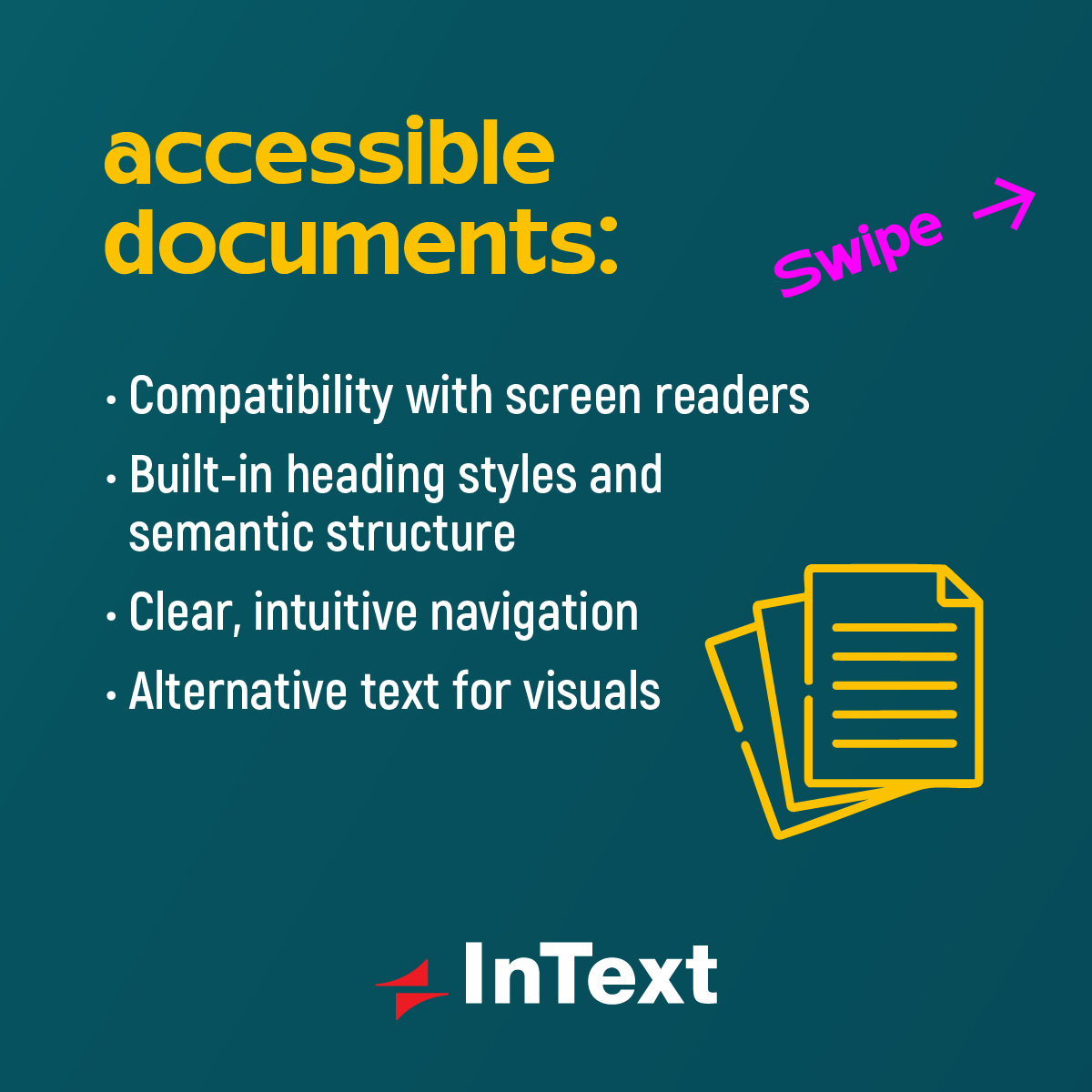
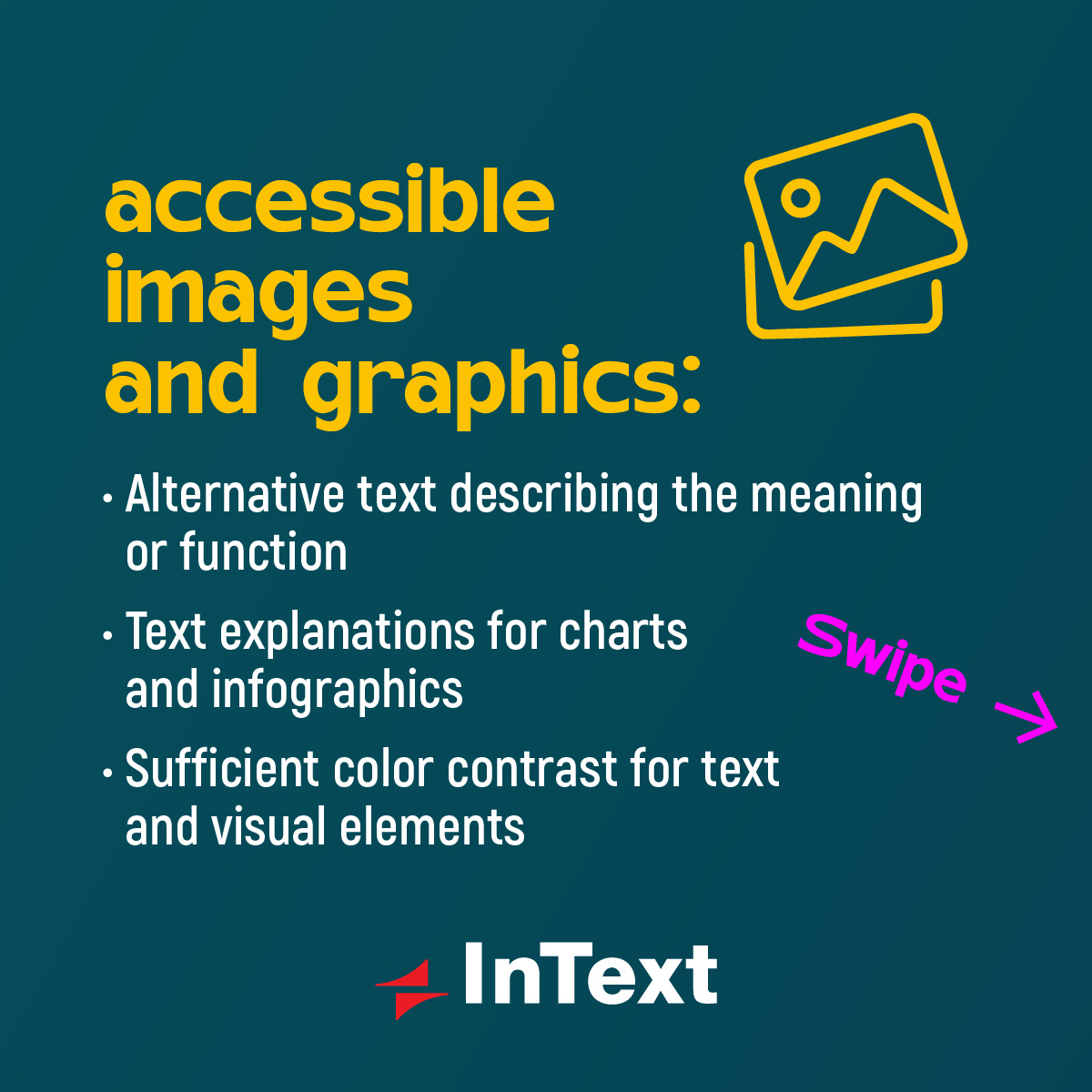
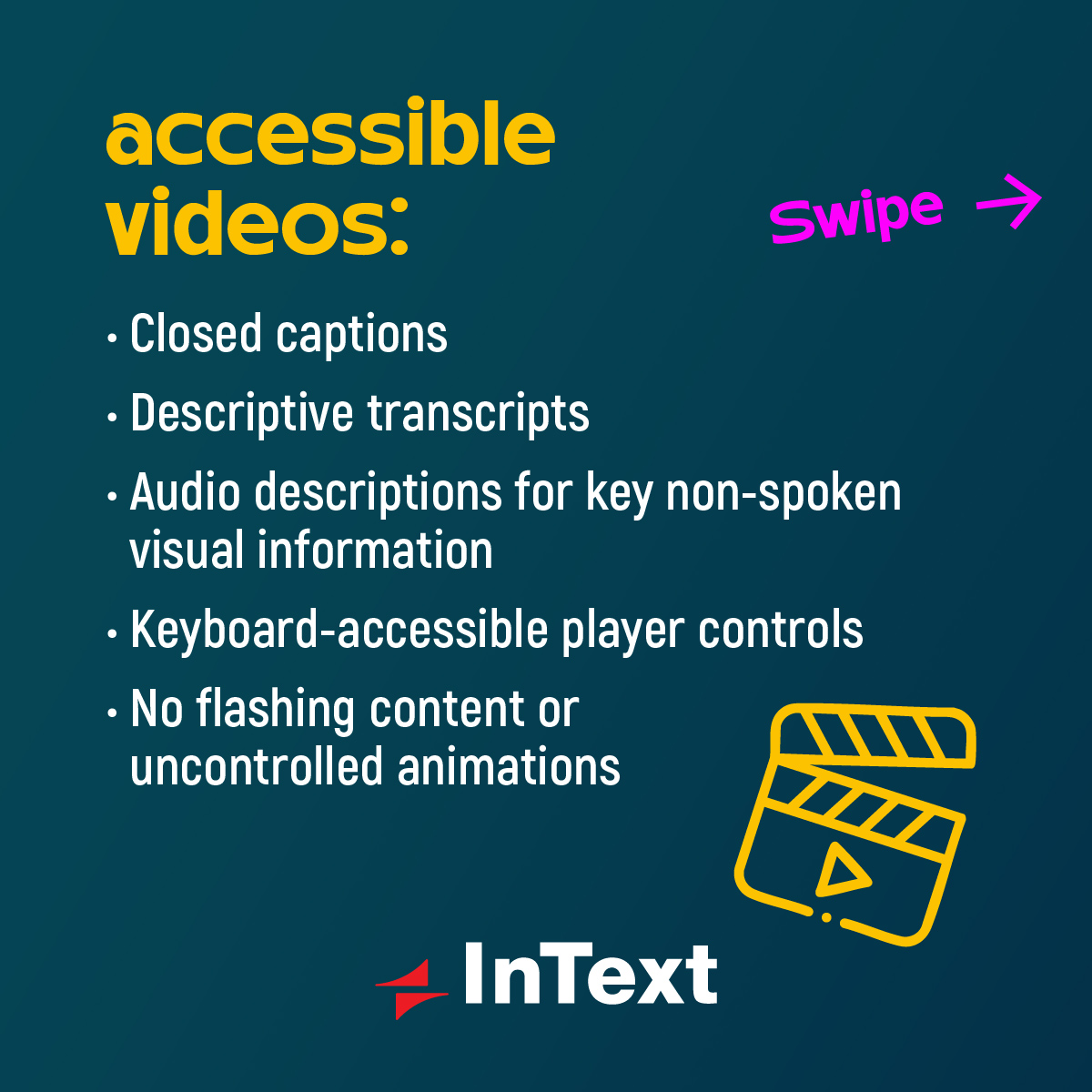
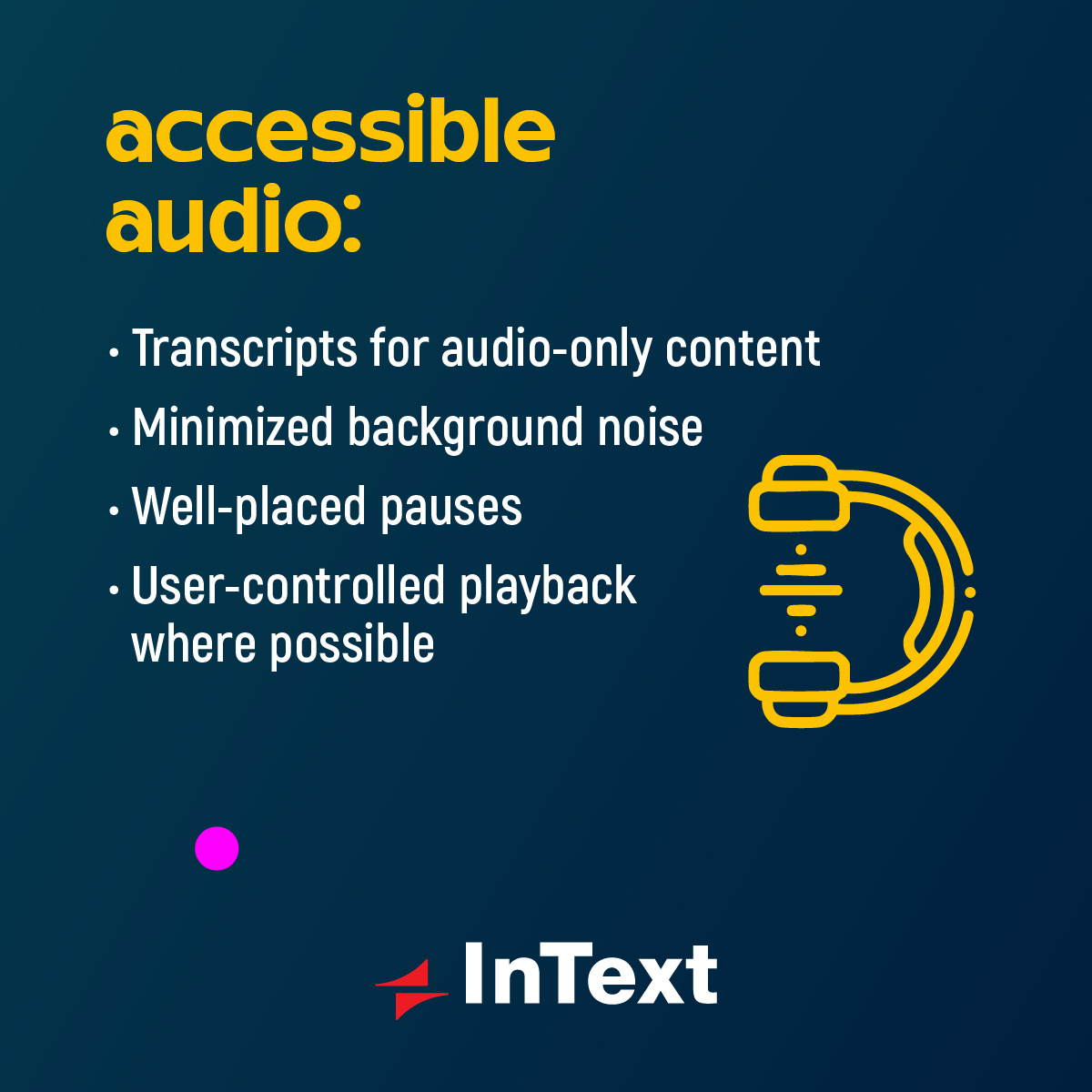
We’ve put together a practical checklist you can use when creating, updating, or localizing e-learning content to make sure key accessibility requirements are covered.
Check out the pictures below and save it for your next project.